

Conversation action
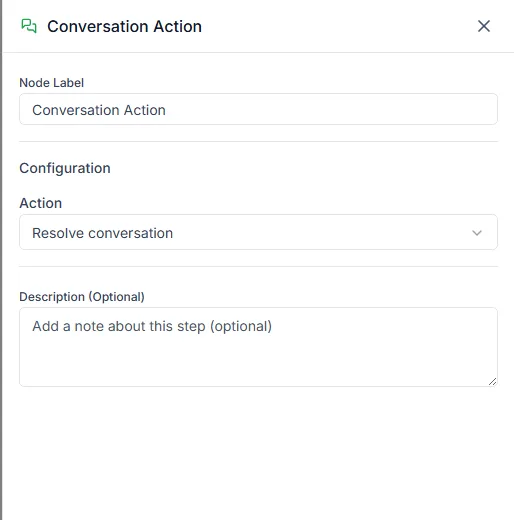
The Conversation Action step changes the chat itself, the same way an agent would in the inbox. Then the bot carries on to the next step.
Find it in the Actions group of the palette.
Actions
Section titled “Actions”Pick one in Action:
| Action | What it does | Extra setting |
|---|---|---|
| Assign to agent | Assigns the chat to a teammate | Agent |
| Assign to bot | Hands the chat to another live bot | Bot |
| Unassign agent | Removes the assigned teammate, so the chat goes back to the shared queue | — |
| Resolve conversation | Marks the chat Resolved | — |
| Reopen conversation | Moves a resolved chat back to open | — |
| Add internal note | Adds a note only your team can see | Note |
Notes can use variables, for example Customer asked about a refund for {{order.name}}.
Common uses
Section titled “Common uses”- At the end of a sales question, Assign to agent to send it to your sales lead.
- After a bot answers a simple question fully, Resolve conversation to keep the inbox clean.
- Before handing over, Add internal note with what the customer already told the bot.
Need help? Email hello@loopchat.inBook a demo · Open LoopChat