

Create your account
Go to app.loopchat.in and choose to sign up. You don’t need an invitation or a licence key.
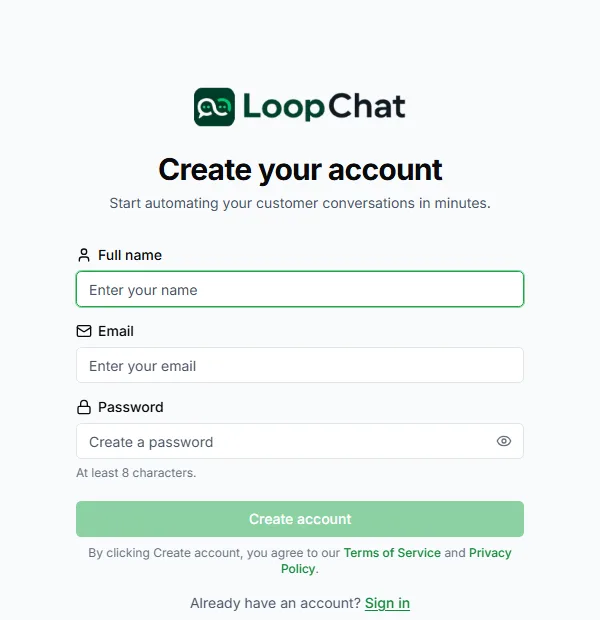
Step 1: Create your account
Section titled “Step 1: Create your account”Fill in:
- Full name
- Password (at least 8 characters)
Click Create account. Your workspace is created from these details, so there’s no separate company form to fill in.
Step 2: Choose your channel
Section titled “Step 2: Choose your channel”LoopChat asks Which channels do you use? Choose WhatsApp. You can also click Skip for now.
Step 3: Let LoopChat prepare your workspace
Section titled “Step 3: Let LoopChat prepare your workspace”LoopChat sets up your workspace while you wait. You’ll see it work through:
- Preparing templates
- Setting up channels
- Personalising dashboard
- Creating automations
Step 4: Connect WhatsApp
Section titled “Step 4: Connect WhatsApp”Your home page shows Connect WhatsApp to activate AI automations, with a Connect WhatsApp button. Until a number is connected, there’s nothing to send messages from, so this is the first thing to do. It takes less than 5 minutes.
Connect WhatsApp opens Meta’s sign-up window, where you choose or create your business portfolio and WhatsApp Business Account and verify your number.
Before you connect, the home page also shows a Finish setting up your account checklist: connect WhatsApp, add your business name, connect Shopify if you sell there, invite your team, and set up your first automation.
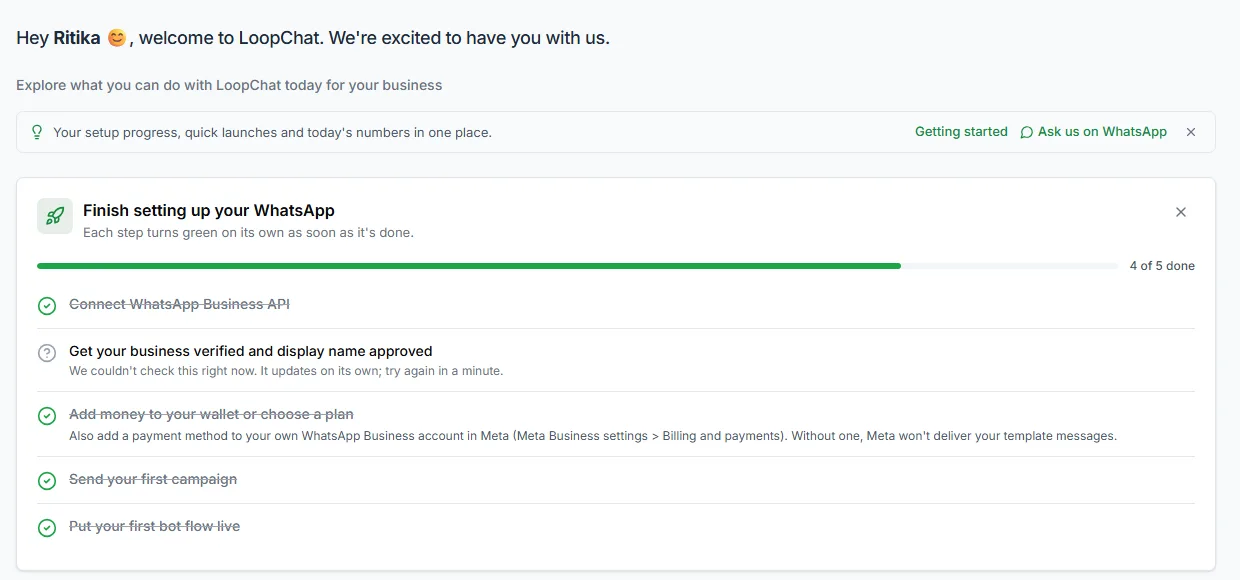
Once your number is connected, the checklist becomes Finish setting up your WhatsApp: get your business verified, add money to your wallet or choose a plan, send your first campaign and put your first bot live. Each step turns green on its own as soon as it’s done.
Next step: Connect WhatsApp, a full walkthrough of Meta’s sign-up window.